
Get started
Welcome to PepulBill
PepulBill turns the phone you already own into your shop's counter: orders, bills and the day's takings, with no machine and no printer.
What can I do with PepulBill?
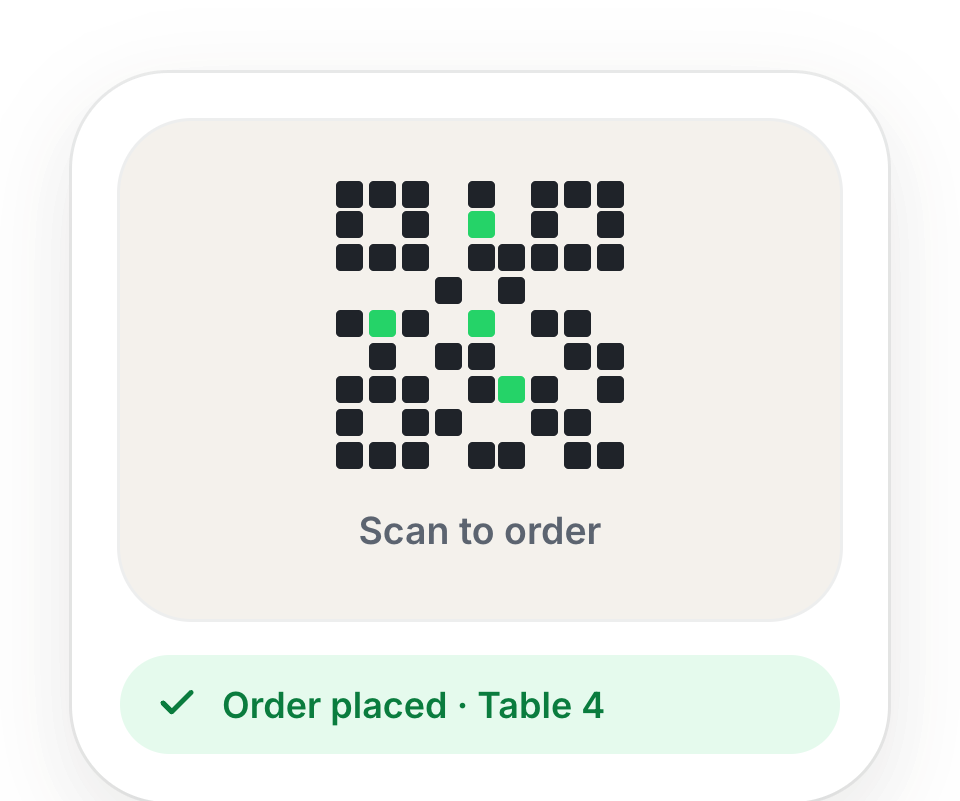
- Take orders at the counter, or let customers order from their own phone by scanning your QR.
- Make bills in a few taps and send them to the customer's phone — nothing to print.
- See your day: sales, cash in the drawer, top items and what is still unpaid.
- Bring customers back with a stamp card, scratch cards, deals and coupon codes.
- Give your staff their own PIN, and decide what each of them can see.
Who is it for?
Shops where customers walk in, buy quickly and come back: juice bars, tea kadais, bakeries, takeaways, cafés, food stalls and salons. Every screen works in Tamil and English — switch with EN / த at the top.
What do I need?
- A smartphone with internet. A laptop works too, for reports and setup.
- Your phone number — it is how you log in.
- Nothing else: no billing machine, no receipt printer, no paper rolls.
How do I get started?
Start with Start your shop, then follow the First-time setup guide — four short steps.
Still stuck? A person will help.
Ask on WhatsApp