
Selling
Make & share a bill
Mark how the customer paid, work out their change, and send the bill to their phone instead of printing it.
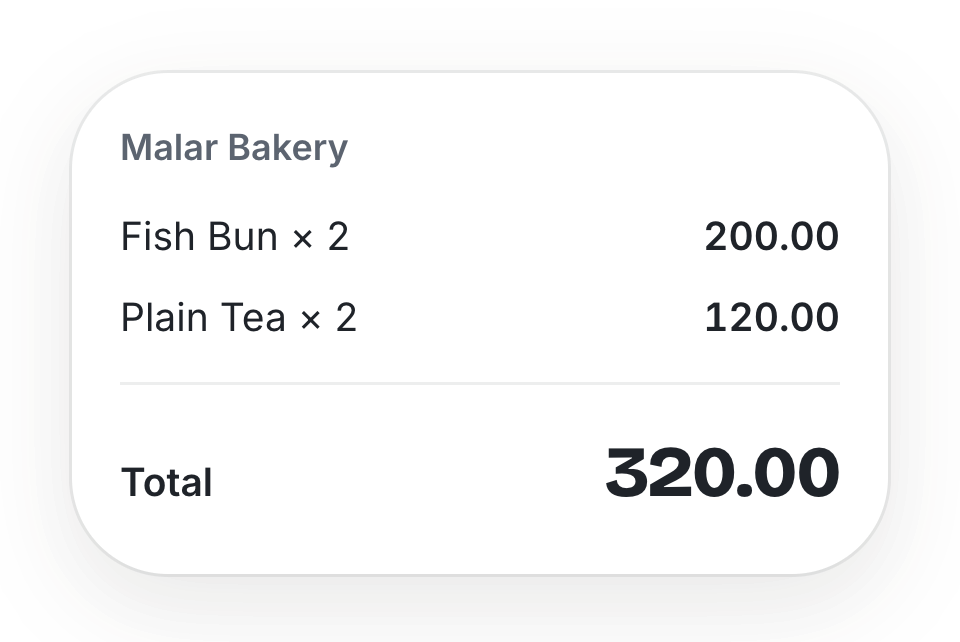
Taking payment
- 1On the bill, tap Mark paid.
- 2Choose Cash, Card, LankaQR or Other.
- 3For cash, enter Cash received (or tap Exact, 500, 1000…). The Change is worked out for you.
- 4Tap Confirm payment. You are back on the menu, ready for the next customer.
When the order is handed over, tap Mark collected — the bill is closed.
Card and LankaQR are recorded, not charged: take the payment on your own machine or QR as usual, and PepulBill keeps the record.
Sending the bill
- The customer can scan the QR on the bill to see it on their own phone.
- Send to WhatsApp — type their number and WhatsApp opens with the bill link. Nothing is sent until you press send there.
- Split the bill shows each person's share, equally or by item.
Discounts
Discounts come from the Rewards panel on an unpaid bill: type a Coupon code, or apply a reward the customer has earned. One per bill.
Cancelling a bill
Cancel bill works only before it is paid, and needs a reason. The bill is kept, marked cancelled, and left out of your sales. A paid bill cannot be cancelled.
Still stuck? A person will help.
Ask on WhatsApp