
Your shop
Staff & PINs
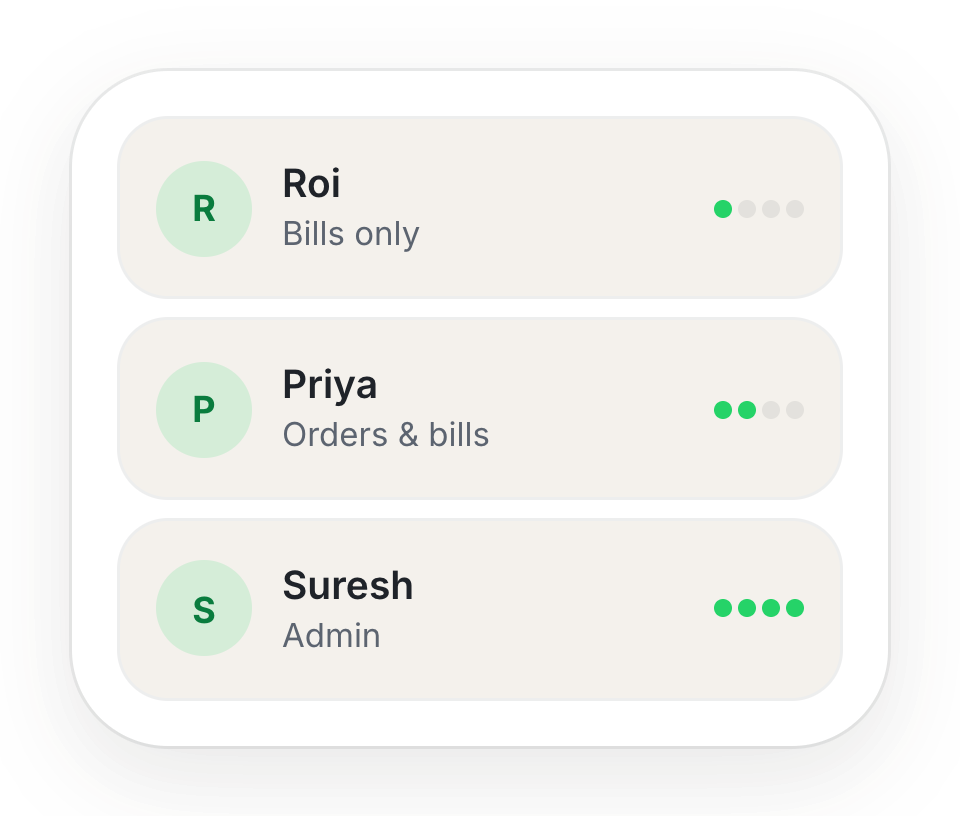
Give each person on your team their own login, and choose exactly what they can do.
Add someone
- 1Go to Settings → Teams and tap Add member.
- 2Enter their phone number and name.
- 3Choose Admin (everything you can do) or Team member (only what you tick).
- 4Tap Save member. A Temporary PIN appears once — read it out or Send on WhatsApp.
They show as Invited until they log in and choose their own PIN, then Active.
What you can allow
- Place orders
- See the order queue
- Move orders to ready
- Make bills, take payment
- See today's bills
- Record expenses
- See takings and reports
- Menu, tables, team, settings
Reset or remove
Reset PIN gives a staff member a new temporary PIN. Remove takes away their access to your shop.
Still stuck? A person will help.
Ask on WhatsApp