
Selling
QR self-ordering
Customers scan your QR, see your menu and order from their own phone. No app to download, nothing for them to pay online.
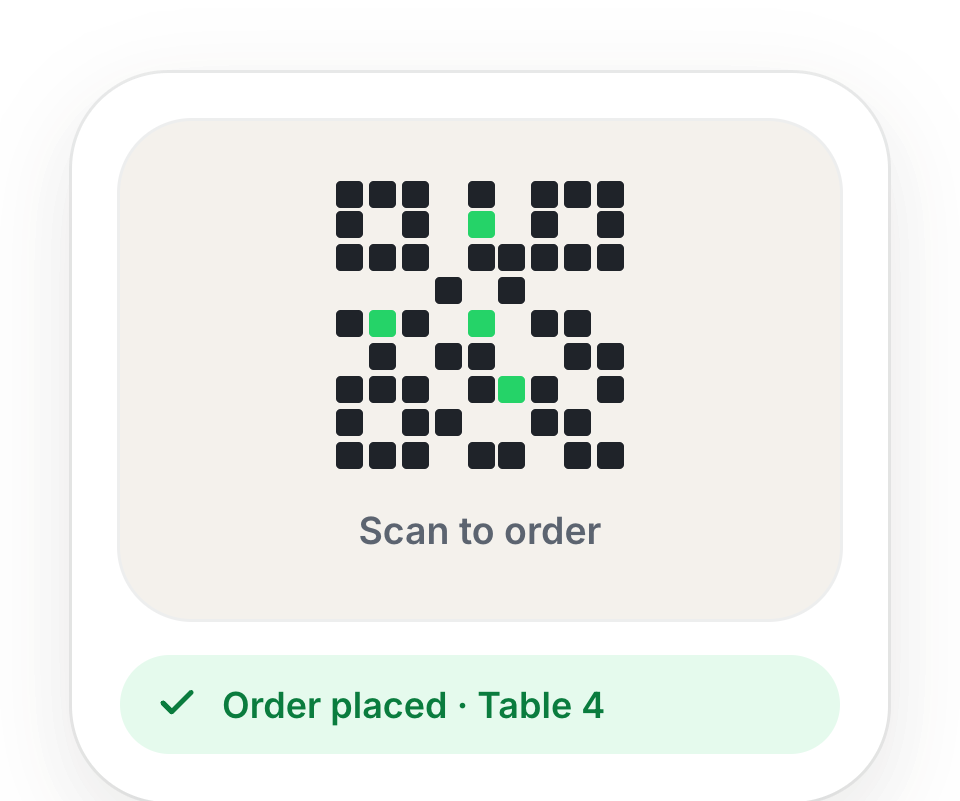
Your QR codes
- Share your shop (Settings) — one QR and link for your whole shop. Download QR, Copy link or Share on WhatsApp. Orders from it are marked as takeaway.
- Tables & QR (Settings) — one QR per Table, Counter or Parcel point, so you know where each order came from. Print its QR card and put it on the table.
What your customer does
- 1Scans the QR with their phone camera. Your menu opens in the browser.
- 2Adds items, with a note for the kitchen if they want.
- 3Taps Place order. They pay at the counter — no advance payment.
- 4Watches it go from Sent to counter to Preparing to Ready, then sees the bill.
Their order arrives in your Orders queue with a chime, labelled with the table or counter.
If the customer gives their number, they get an SMS when the order is received and when it is ready. Turn this on or off in Settings → SMS Gateway → Order updates by SMS.
Still stuck? A person will help.
Ask on WhatsApp